Outputs and settings
Every render makes one render set per version of a design: the files below, a
report.json (frame time, process count, per-step timings, where it was rendered) and a
spec.json. If you connect Kist, a self-hosted library for the images and files you
collect, every file is also filed into the design's folder there, tagged format:<variant>
(optional; see Working with Kist).
Settings live in the app: Settings in the UI, GET/PUT /api/settings, the MCP tools
set_render_settings and set_views_settings (MCP is the protocol AI agents like Claude use to call tools), and per
repo in .sklent.yaml
(settings:, see Inputs). Most can also be chosen for one render from
the sheet's Outputs and views….
Core outputs
For each design, in a shaded and a wireframe (x-ray) style:
| file | size | for |
|---|---|---|
<design>-<style>-1080p.mp4 |
1920×1080 | turntable movie |
<design>-<style>-reel-1080x1920.mp4 |
1080×1920 | Instagram reels and stories |
<design>-<style>-discord-640p.mp4 |
1138×640, under 10 MB | Discord |
<design>-<style>.gif |
640 px wide | anywhere |
<design>-<style>-social-2048.png |
2048×2048 | social posts |
<design>-<style>-hires-3840x2160.png |
3840×2160 | the web |
Every render starts with a quick check: one shaded iso still (<design>-preview.png,
1024×1024), made seconds after the design loads and shown on its tile while the rest renders.
outputs picks which of the six files a render makes; none at all is a quick check on its own.
A quick check of a design that already has a set is kept beside it (<design>/quick/) and
never replaces the full set.
Parts are always rendered in cool grey or white, never in the design's own colours: every body is repainted before rendering, and a colour guard greys out any pixel that still carries colour (per-face paint, imported STEP colours).
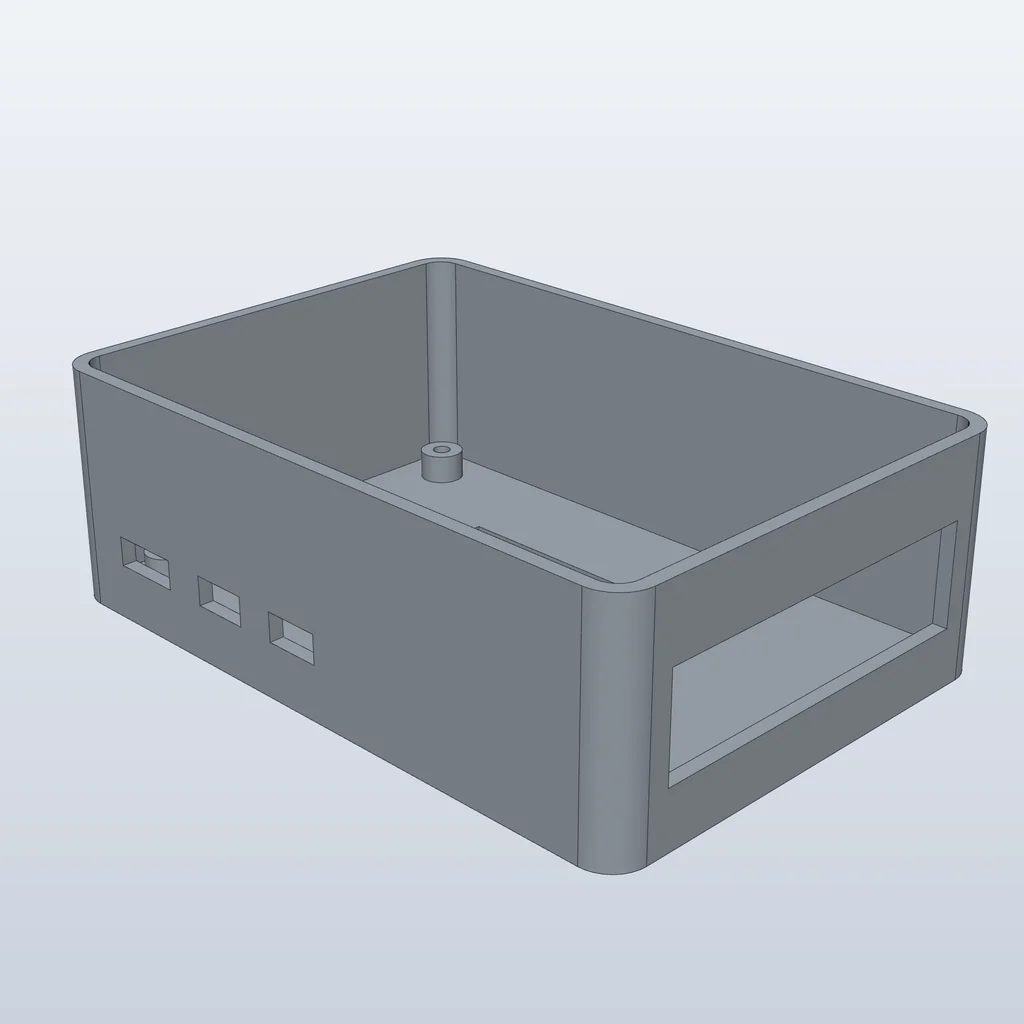
pi-case-shaded-social-2048.png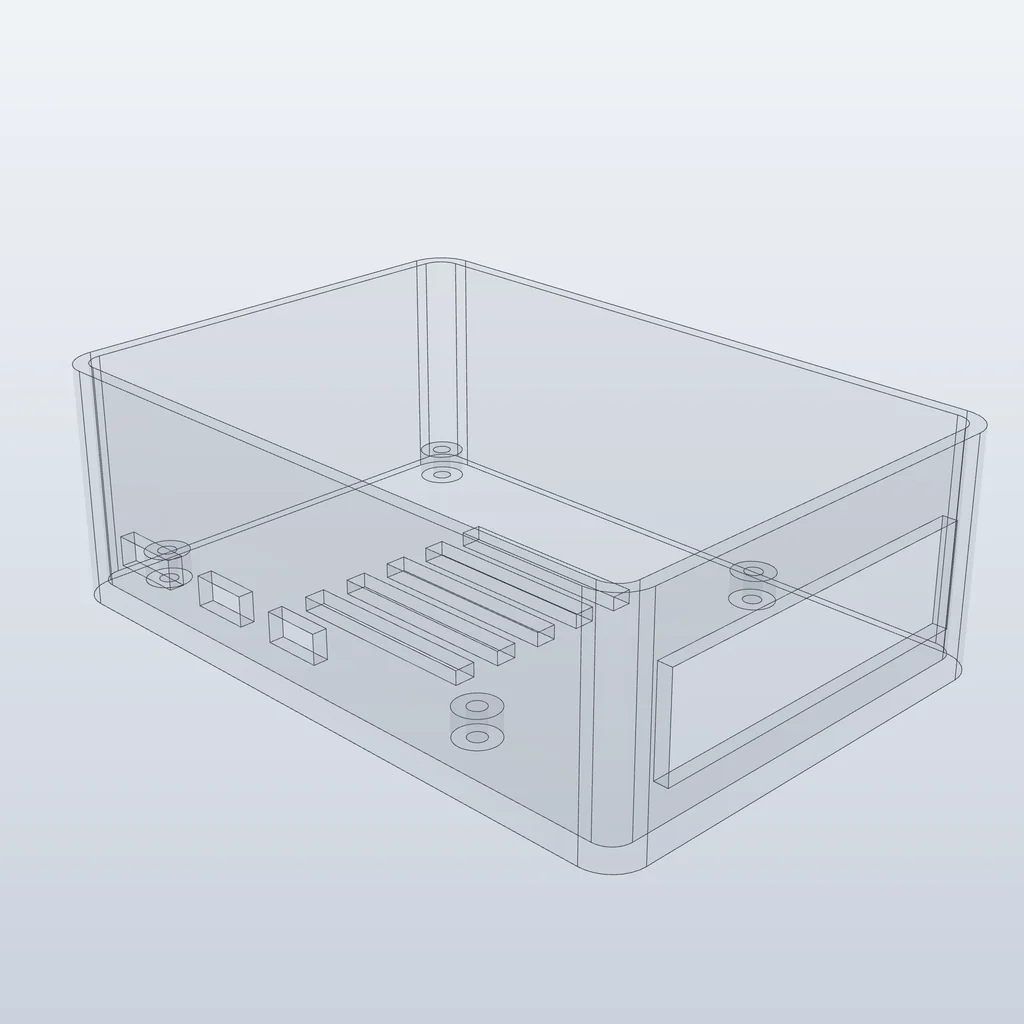
pi-case-wireframe-social-2048.pngThe wireframe style is an x-ray (see-through bodies with every edge), because the headless
renderer of SolidCraft, the open-source parametric CAD app Sklent renders with, ignores
view.visual_style.
Render settings
| setting | default | |
|---|---|---|
palette |
cool-grey |
cool-grey or white |
seconds, fps, pitch_deg |
8, 30, 24 |
Turntable length, frame rate, camera pitch |
hires_width × hires_height, social_size, gif_width, gif_fps |
3840×2160, 2048, 640, 15 |
Still and GIF sizes |
styles |
shaded, wireframe |
Which looks to render |
outputs |
all six | Which of 1080p, reel, discord, gif, social, hires |
Views and render modes
Off unless noted. Each is a setting (views_*) and can also be turned on for one render.
Extra files land in the set, in Kist (format:<variant>) and on the design's sheet.
| variant | what | setting (default) |
|---|---|---|
preset-<shot> |
Shot presets: half-orbit (eases onto the iso angle), push-in, top-to-iso, low-angle; eased, every frame fitted to the part |
views_shot_half_orbit, …_push_in, …_top_to_iso, …_low_angle (off); views_shot_seconds (6) |
master-4k, prores, frames-zip |
Edit-ready masters: 4K H.264, ProRes 422 HQ, the PNG sequence; an exact loop, up to 60 s | views_master_4k, views_master_prores, views_master_zip (off); views_master_seconds (0 = the turntable's length) |
exploded, explode-anim |
The design's first saved exploded view, else SolidCraft's automatic one, as a 4K still and an MP4 + GIF that comes apart and goes back together. Needs two or more components | views_exploded (off), views_explode_scale (1) |
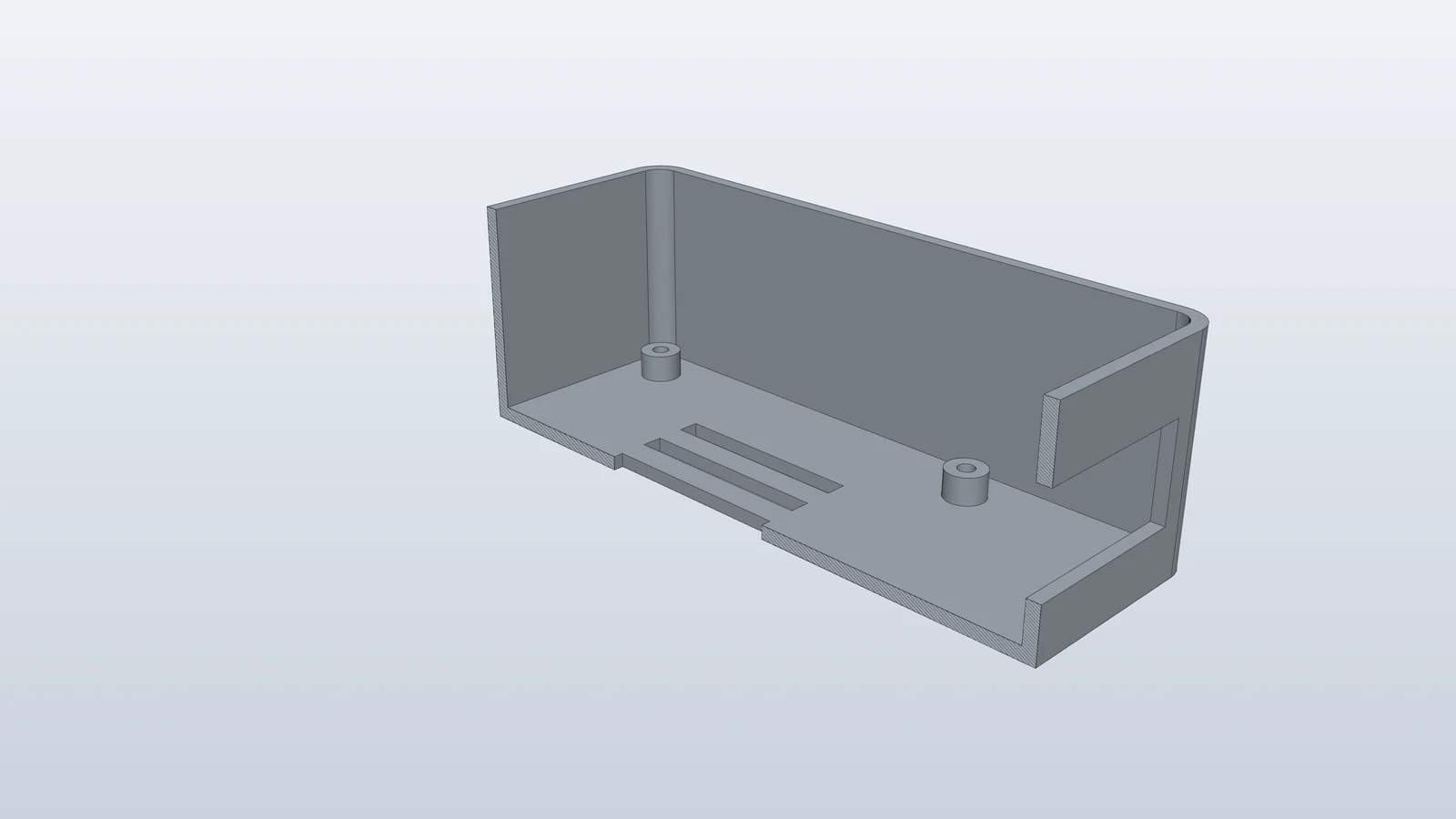
section |
A cut through the centre containing the longest axis, with filled, hatched caps: a 3/4 view and a face-on orthographic one | views_section (off) |
config-<n>, config-lineup |
One still per configuration row at one scale, and a lineup with the row names | views_configs (on; designs with 2+ rows), views_configs_max (8) |
motion-<study> |
Each motion study played, MP4 + GIF | views_motion (on; designs with studies), views_motion_max (6) |
highlight, highlight-turntable |
"My part": the named bodies solid, the rest x-ray | per design: My part on the sheet, else highlight: in .sklent.yaml |
transparent |
RGBA stills at the social and high-res sizes | views_transparent (off) |
hero |
A path-traced studio still with alpha; skipped, with the reason, when the scene is too big | views_hero (off), views_hero_timeout (900 s) |
plate |
Every distinct part laid on its thinnest side (a guess, labelled so), top-down on a 10 mm grid, ×n for repeats |
views_plate (off) |
pi-case-section-3840x2160.png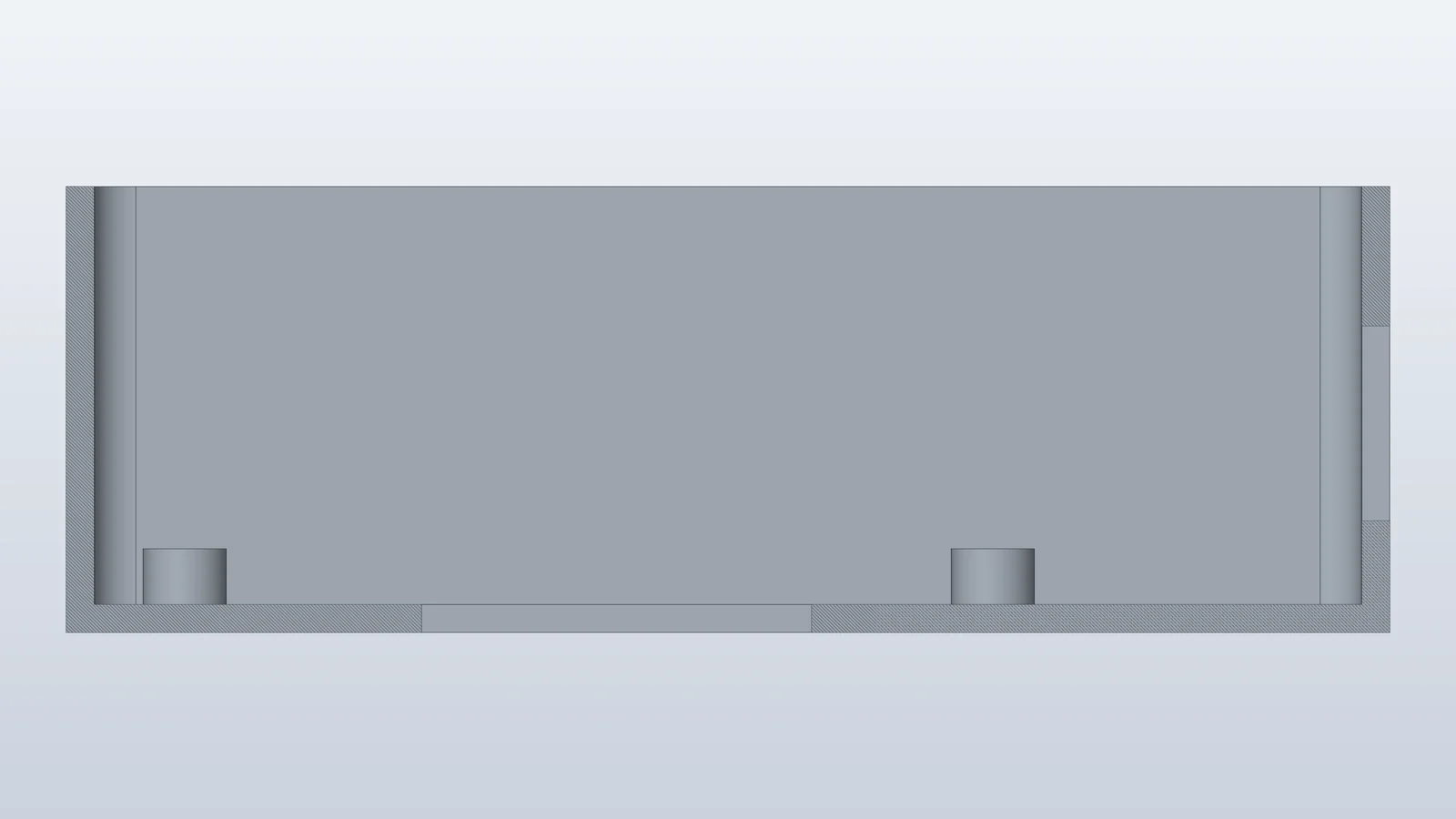
pi-case-section-ortho-3840x2160.pngA bed-fit badge on each tile (fits 256³, or > 256³) checks every part's bounding box,
in any axis-aligned orientation, against a named bed: views_bed (default
Bambu Lab X1/P1/A1) from views_beds (default Bambu Lab A1 mini 180x180x180; Bambu Lab
X1/P1/A1 256x256x256; Prusa MK4 250x210x220; Prusa Core One 250x220x270); views_bedfit
(on) shows it. Views that can't apply (one component, no studies, a scene over the renderer's
budget) are skipped, and the sheet's Views section says why.
Specs and sheets
Drafting sheets from the same open design. Parts stay grey or white, and dimension lines only appear on orthographic views, where they are true.
| file (variant) | default | what it is |
|---|---|---|
spec.json |
always | Envelope, volume, mass (only when a material is known), bodies, components, user parameters, commit, blob, licence |
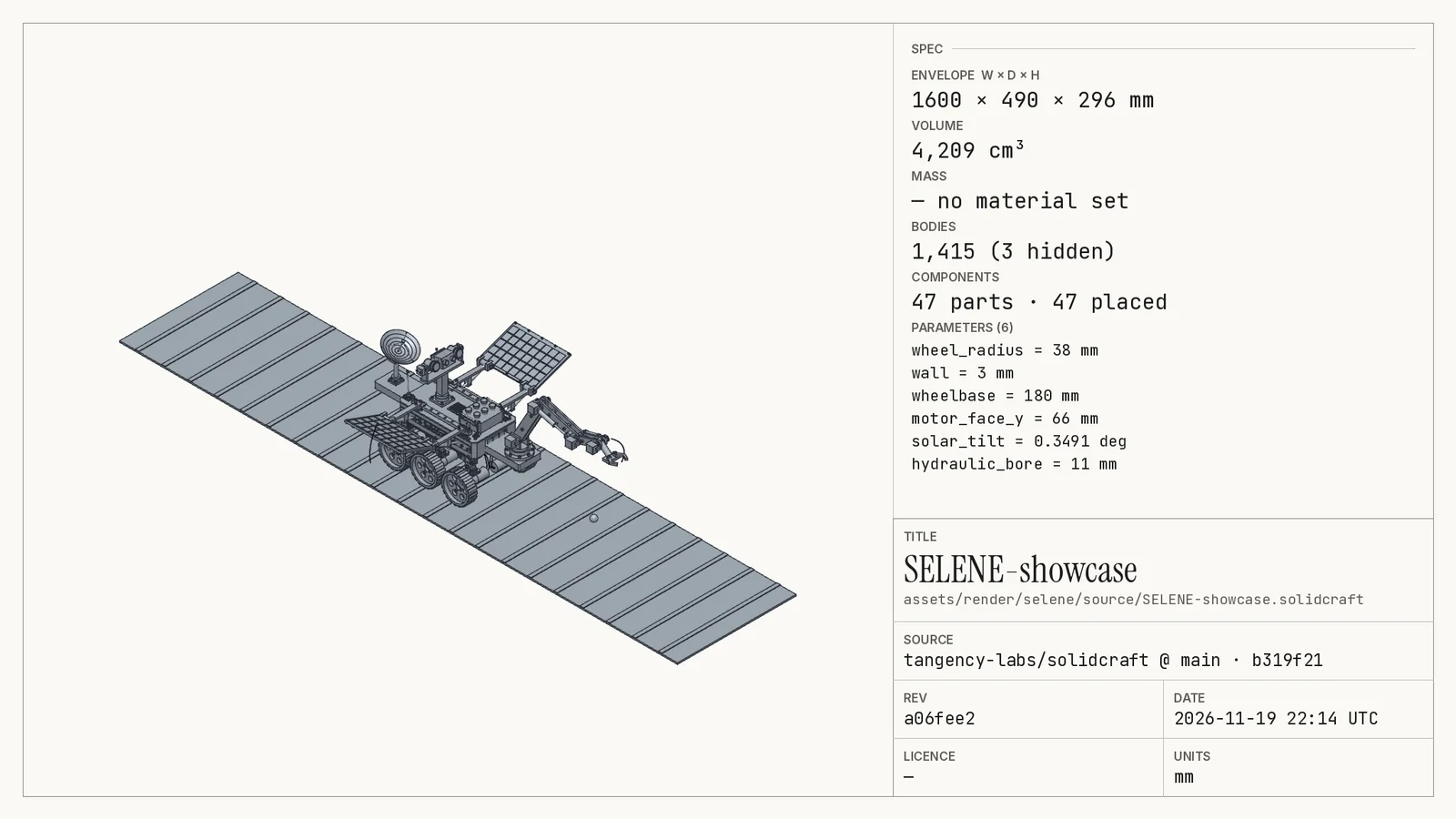
<design>-spec-card.png (spec-card) |
on (specs_card) |
2048×1152 card: the part, the spec list and a title block |
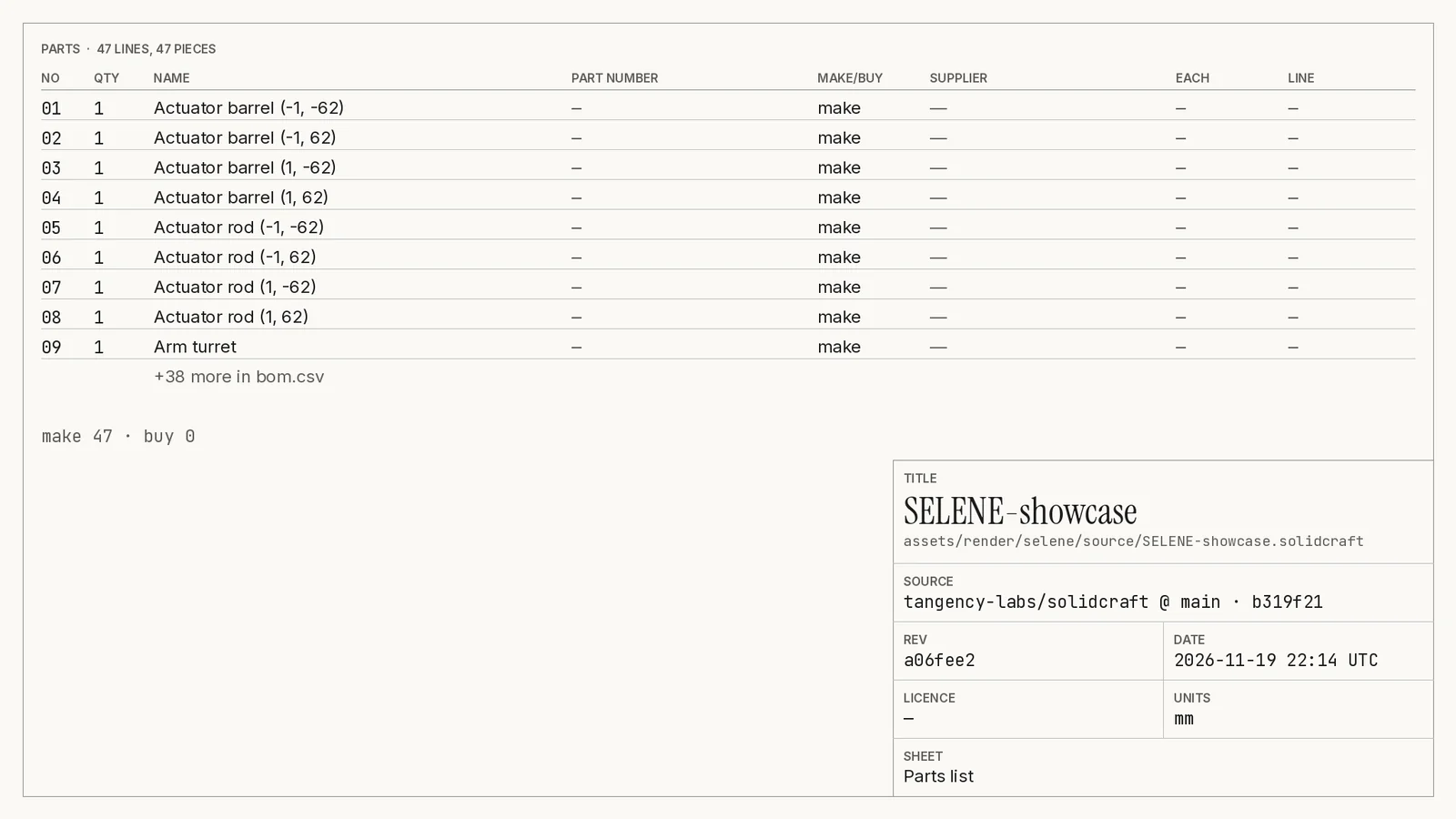
<design>-bom.csv, bom.json, <design>-bom-sheet.png (bom-csv, bom-sheet) |
on (specs_bom), for assemblies or with a bom.yaml |
SolidCraft's assembly.bom merged with the repo's bom.yaml (bought parts: name, qty, supplier, url, price) |
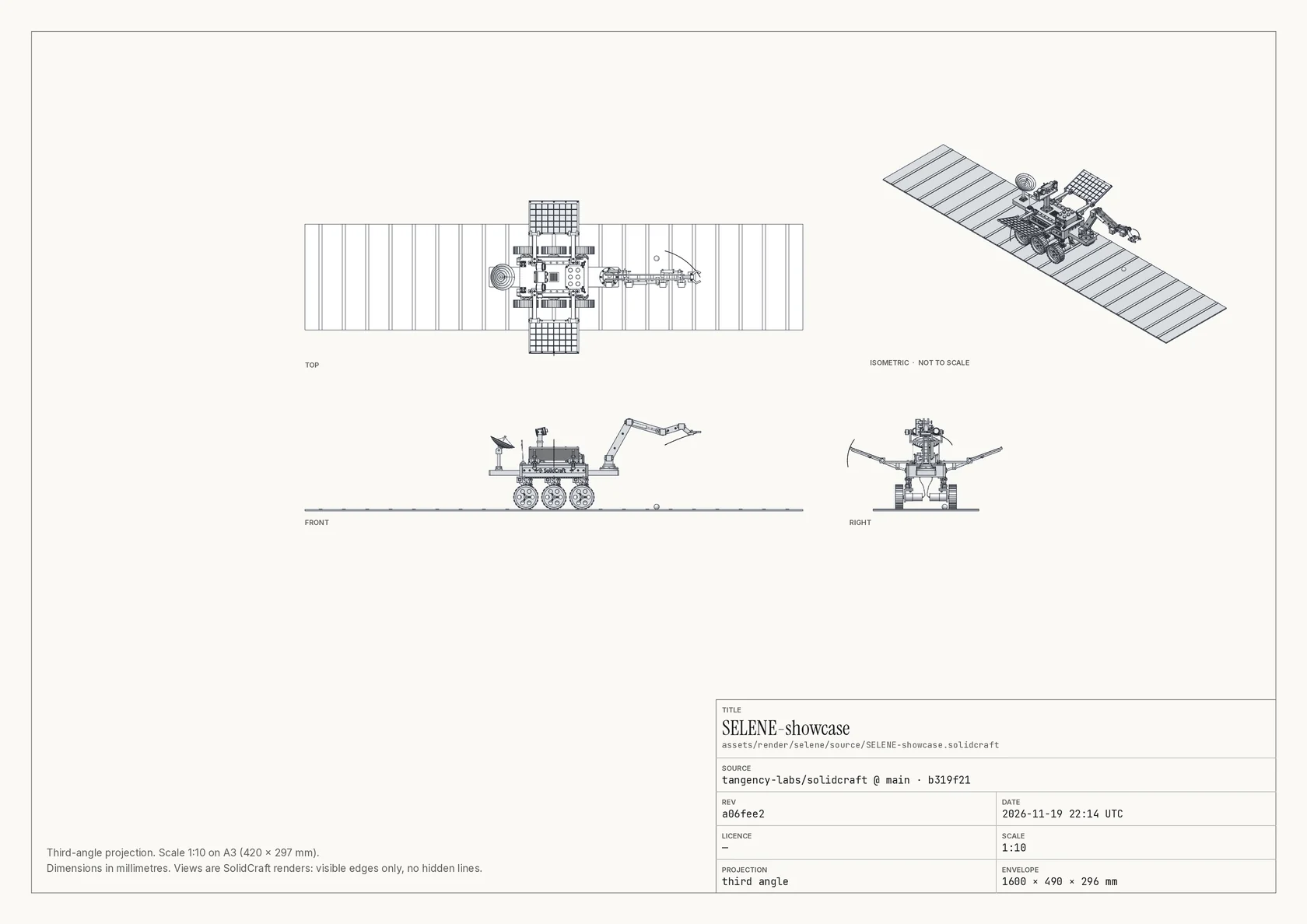
<design>-views-sheet.png / .pdf (views-sheet, views-sheet-pdf) |
on (specs_views) |
A3 sheet: front, top and right views in third-angle projection at one ISO scale, an iso view and a title block. Visible edges only |
<design>-dimensions-2048.png (dimensions) |
on (specs_dimensions) |
The front view with overall width and height as ISO 129 dimension lines, depth noted |
<design>-assembly-NN.png, <design>-assembly.md (assembly-N, assembly-md) |
off (specs_assembly, at most specs_assembly_max_steps = 20) |
Assemblies: one picture per step and a GitBuilding BuildUp page |
specs_material (empty) names a material for mass when .sklent.yaml names none;
specs_bom_file (bom.yaml) is the repo's parts file. A material of SolidCraft's placeholder
"Default" doesn't count.
assembly.bom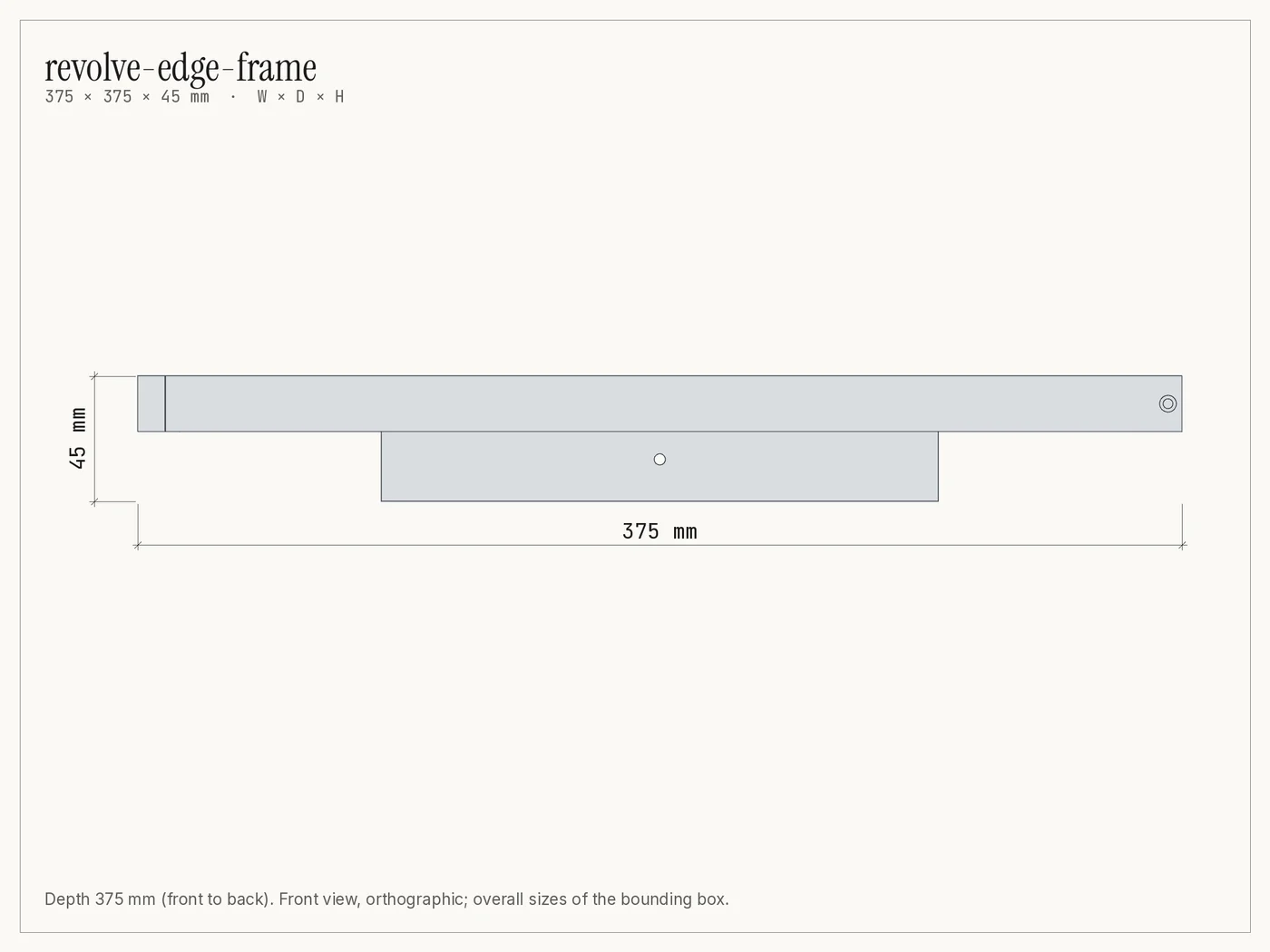
bom.yaml:
currency: EUR               # optional
parts:                      # or a bare list
  - name: M3x8 socket head cap screw
    qty: 8
    supplier: Example Fasteners
    url: https://example.com/m3x8
    price: 0.12             # each
  - match: Arm              # enrich a model part (by name or part number) instead of adding one
    notes: print in PETG
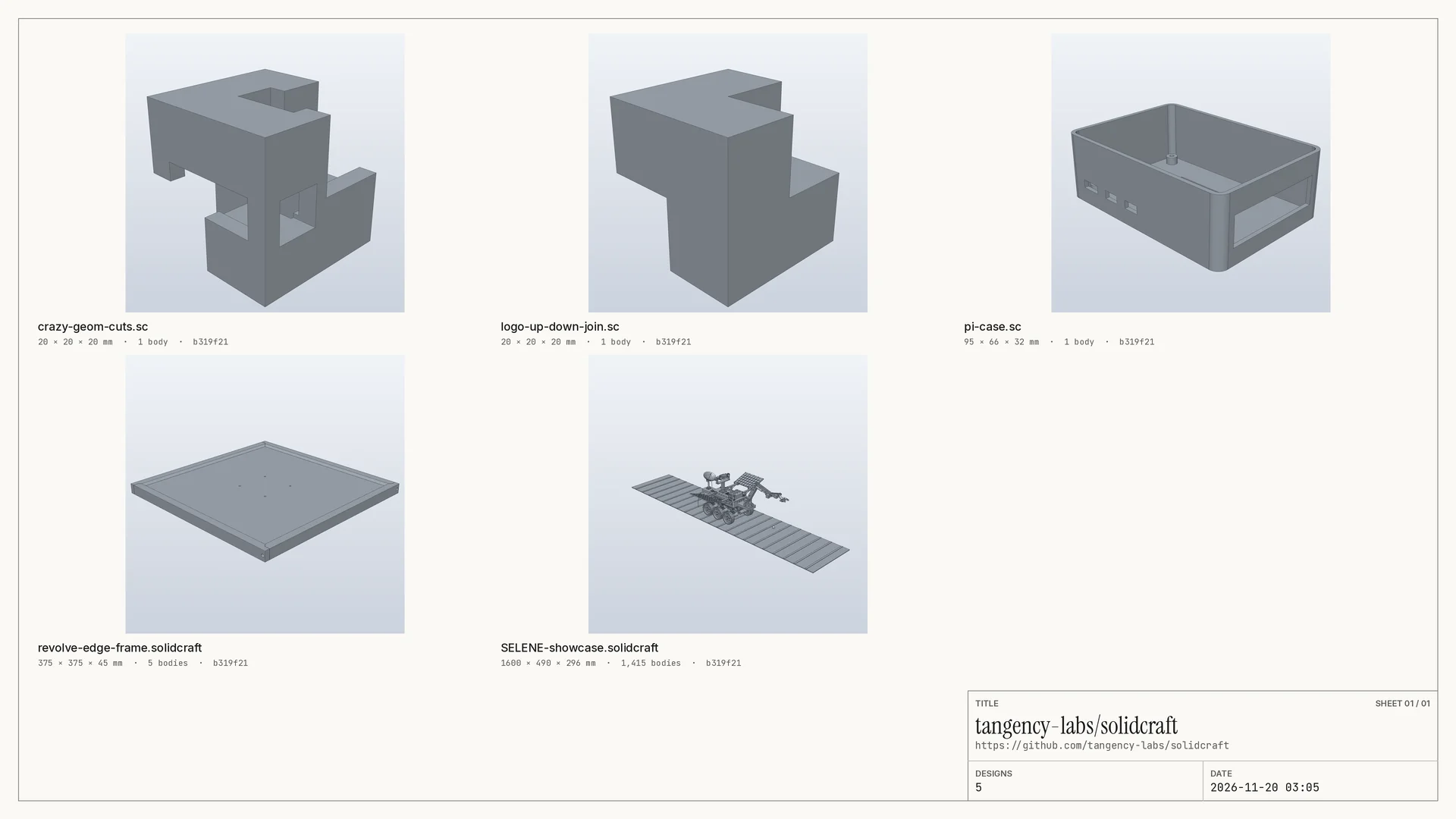
Contact sheet
Every rendered design of a source on one page (3840×2160 PNG pages of 24 and a PDF), each as
its hero still with mono labels under a title block. Make it from the grid button on a
source's row, POST /api/sources/{id}/contact-sheet, or MCP make_contact_sheet. With Kist on
it is filed once per version, tagged format:contact-sheet.
Build-history timelapse
With revisions_timelapse on (off by default), each render also makes
<design>-timelapse-1080p.mp4 and .gif: the part building itself feature by feature from a
fixed iso camera. Designs over revisions_timelapse_max_bodies (100) bodies or
revisions_timelapse_max_features (200) features are skipped, with the reason in
report.json. More in Revisions.
Publishing settings
Presets, file packs, listing packs, brand and Kist review settings (outputs_*) are on
Publishing. The rendering and helper settings (render_*,
helpers_*) are on Render helpers and GPU.