Your CAD repo, as a showcase.
Point Sklent at a Git repo of 3D designs and it renders each one into turntable videos, stills, drawing sheets and listing packs, on your own server. It reads STEP, STL and 3MF files and SolidCraft designs from GitHub or Forgejo, and AI agents can drive it too.
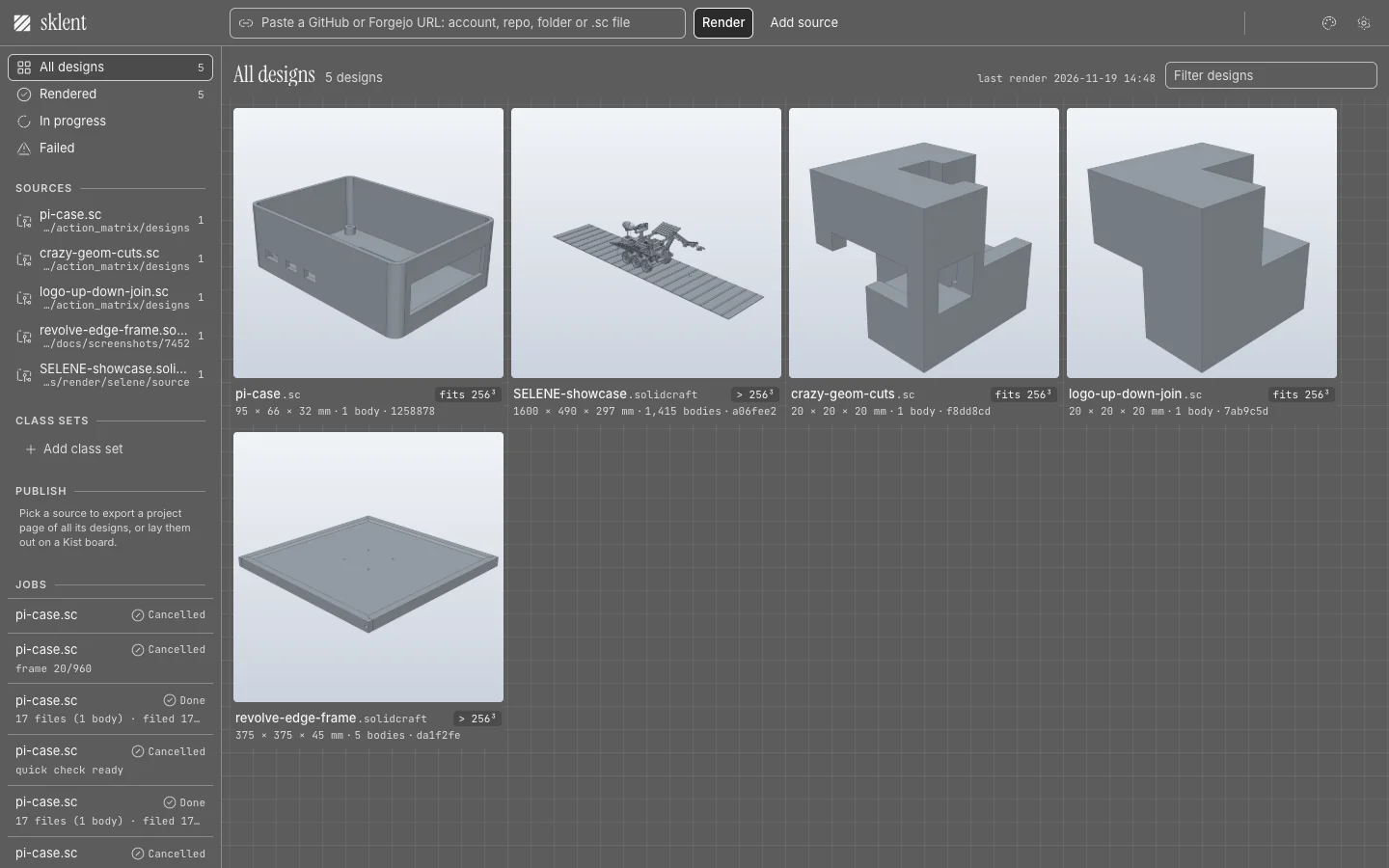
01 · InputPoint it at a repo
An account, repo, folder, file, branch, tag or pull request on GitHub or Forgejo. Nothing is cloned, and a re-scan renders only the files that changed.
02 · OutputEvery output a maker publishes
Turntable movies, reels, Discord clips, GIFs and stills in shaded and x-ray, plus spec cards, engineering sheets, parts lists, print file packs and marketplace listing packs.
03 · Runs onYour own server
One Docker container, GPU or software rendering. Sklent works on its own and keeps every set on its own disk. If you also run Kist, a self-hosted library for the images and files you collect, it files each set there, tagged and versioned.
See it move
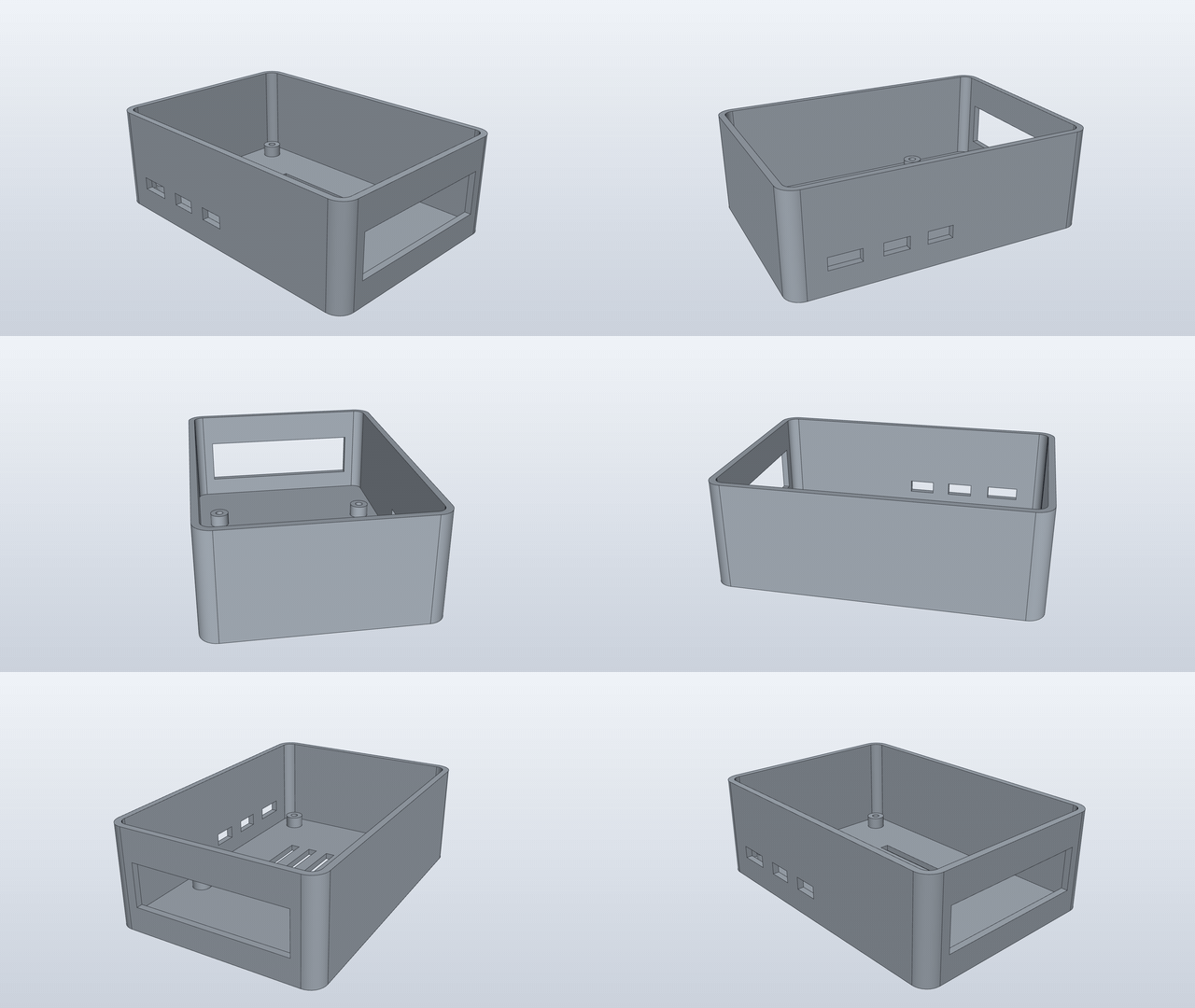
Every design gets the same orbit, fitted so its bounding box stays in frame at every angle, in cool grey or white: never in the design's own colours.
Outputs
Real outputs of Sklent 0.2.1 from public designs in tangency-labs/solidcraft. The full list, with every setting and its default, is in Outputs and settings.
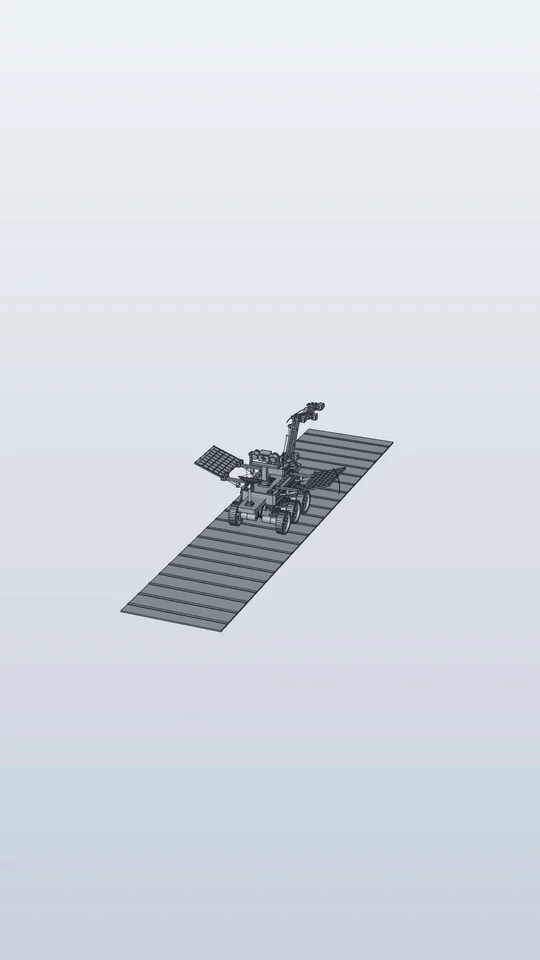
views_exploded, off by default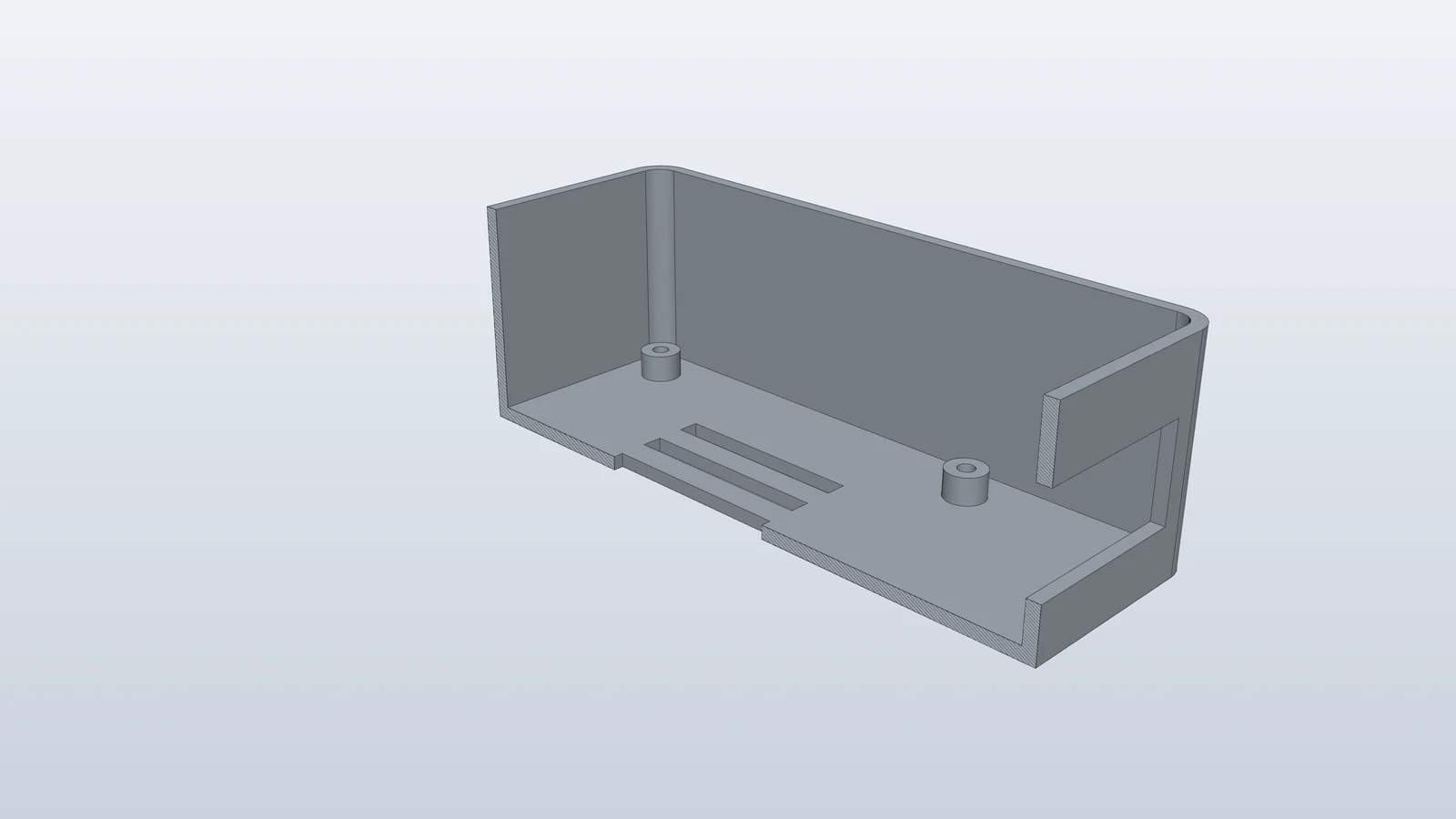
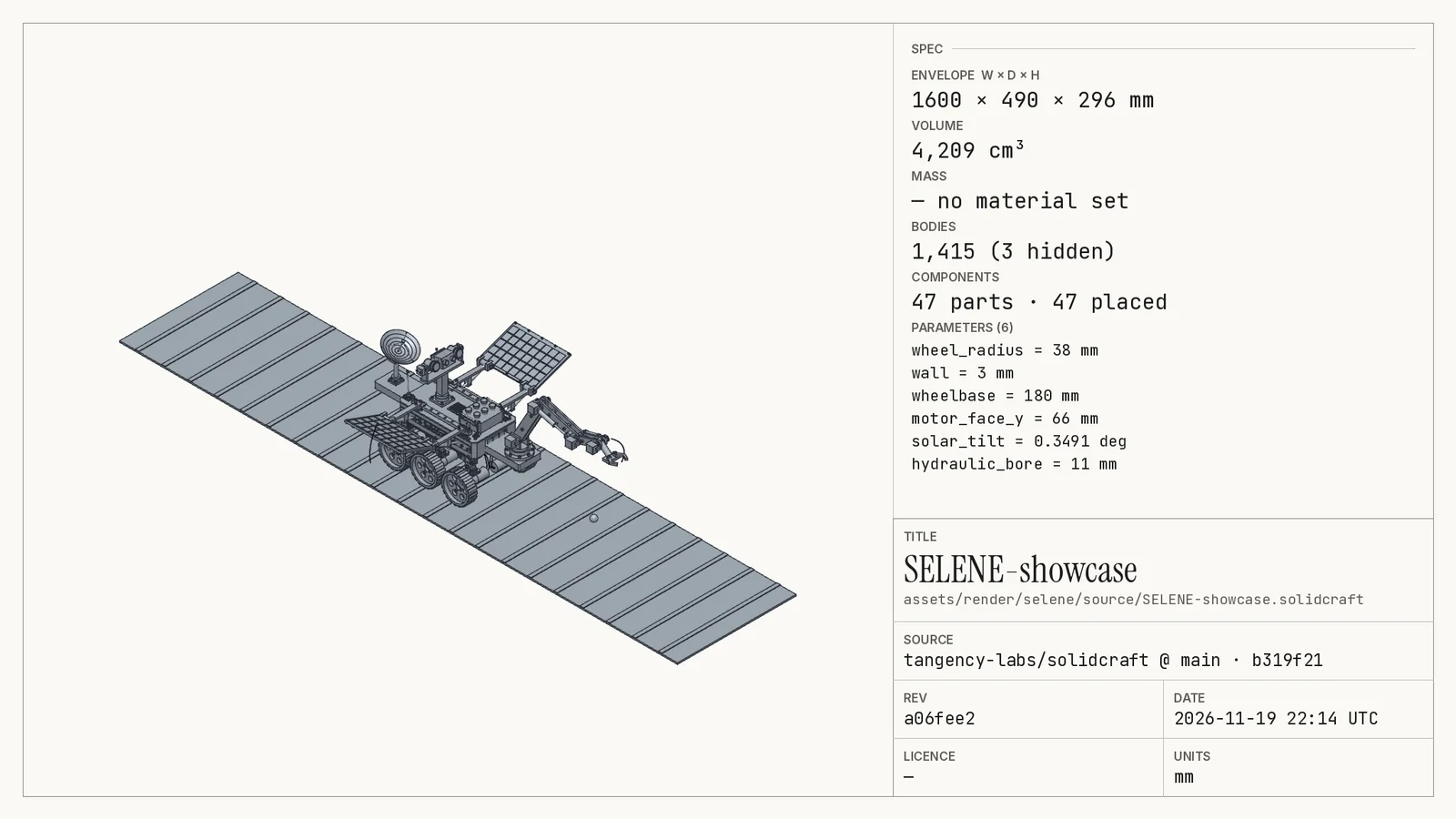
spec.json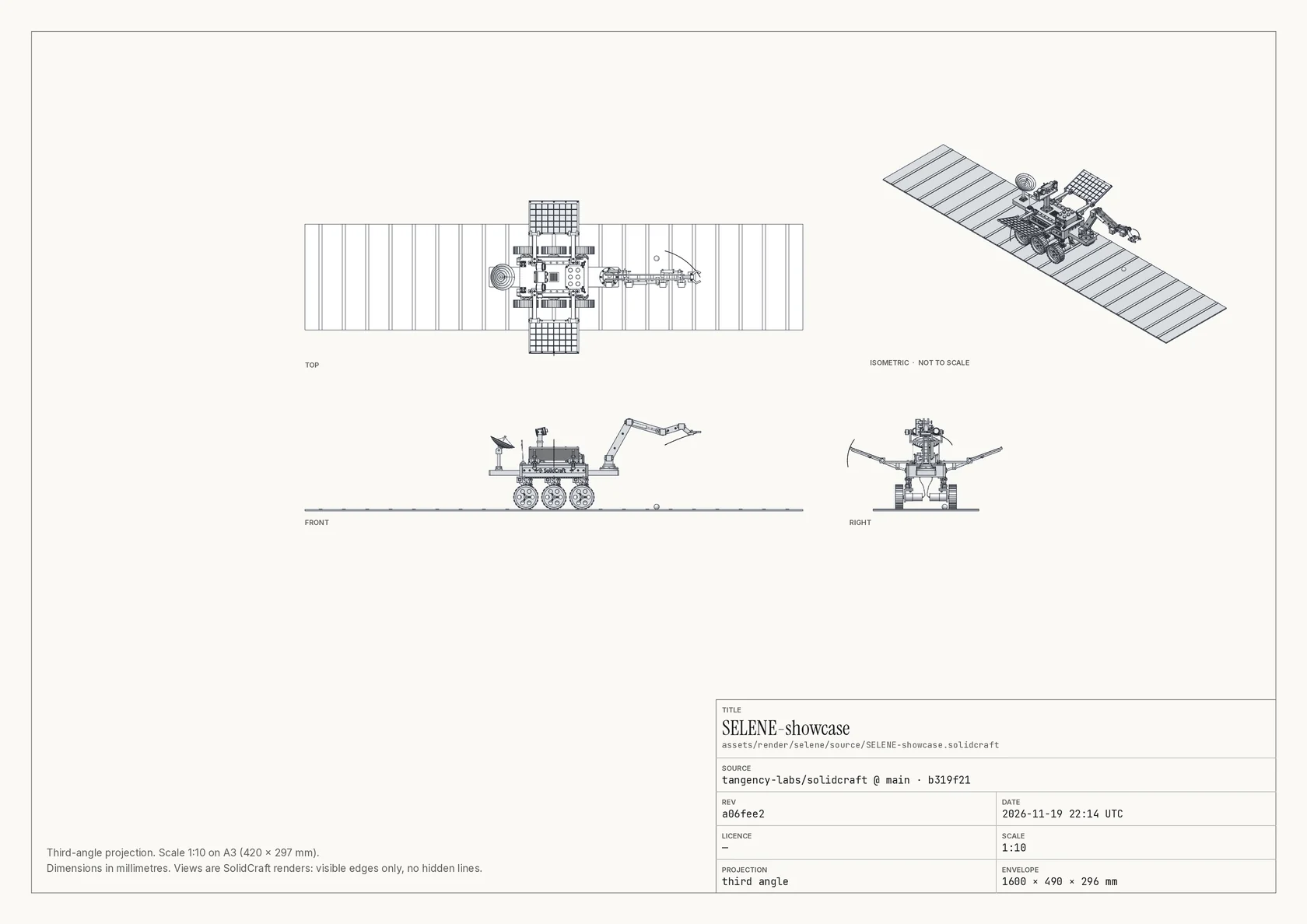
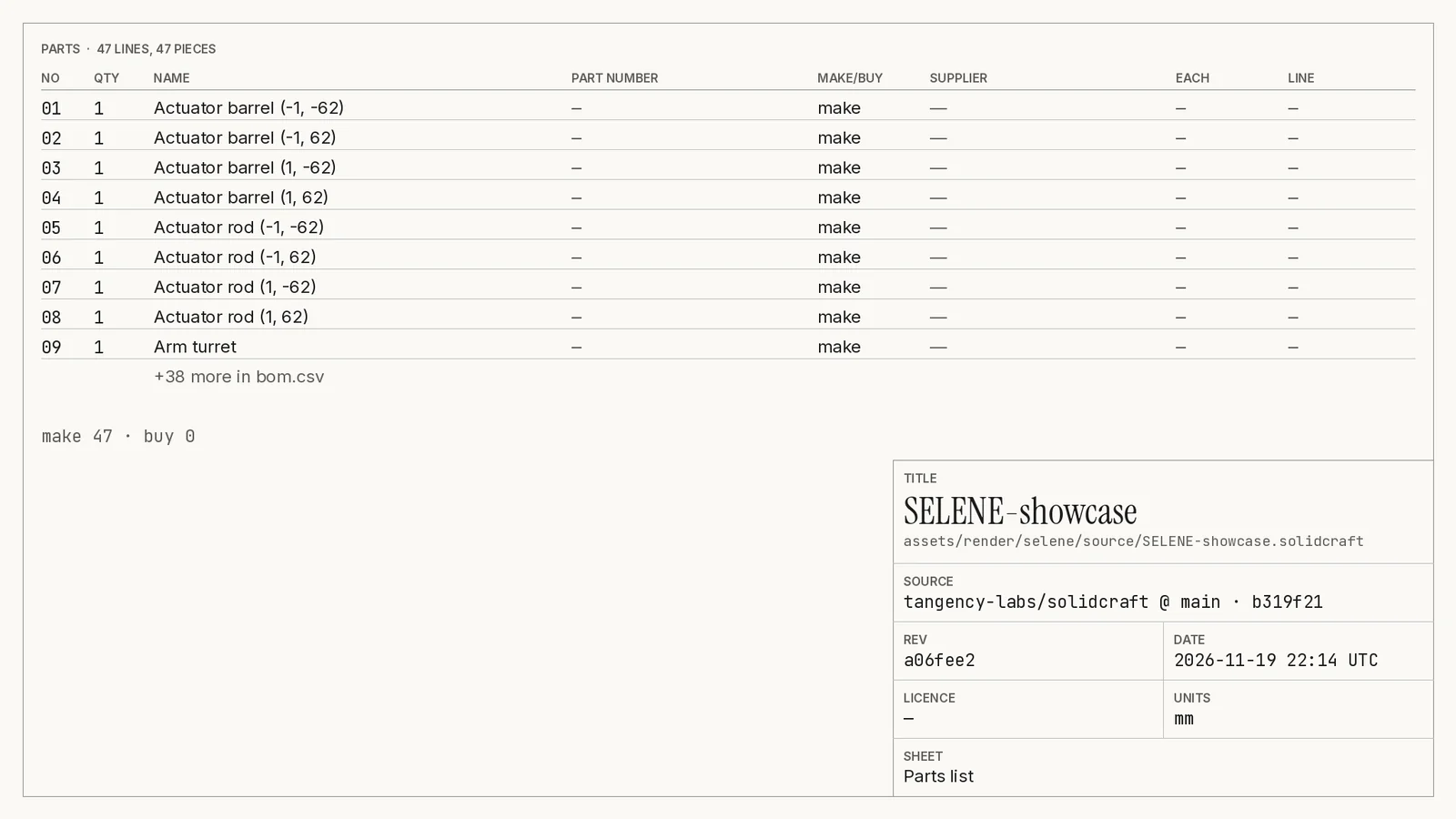
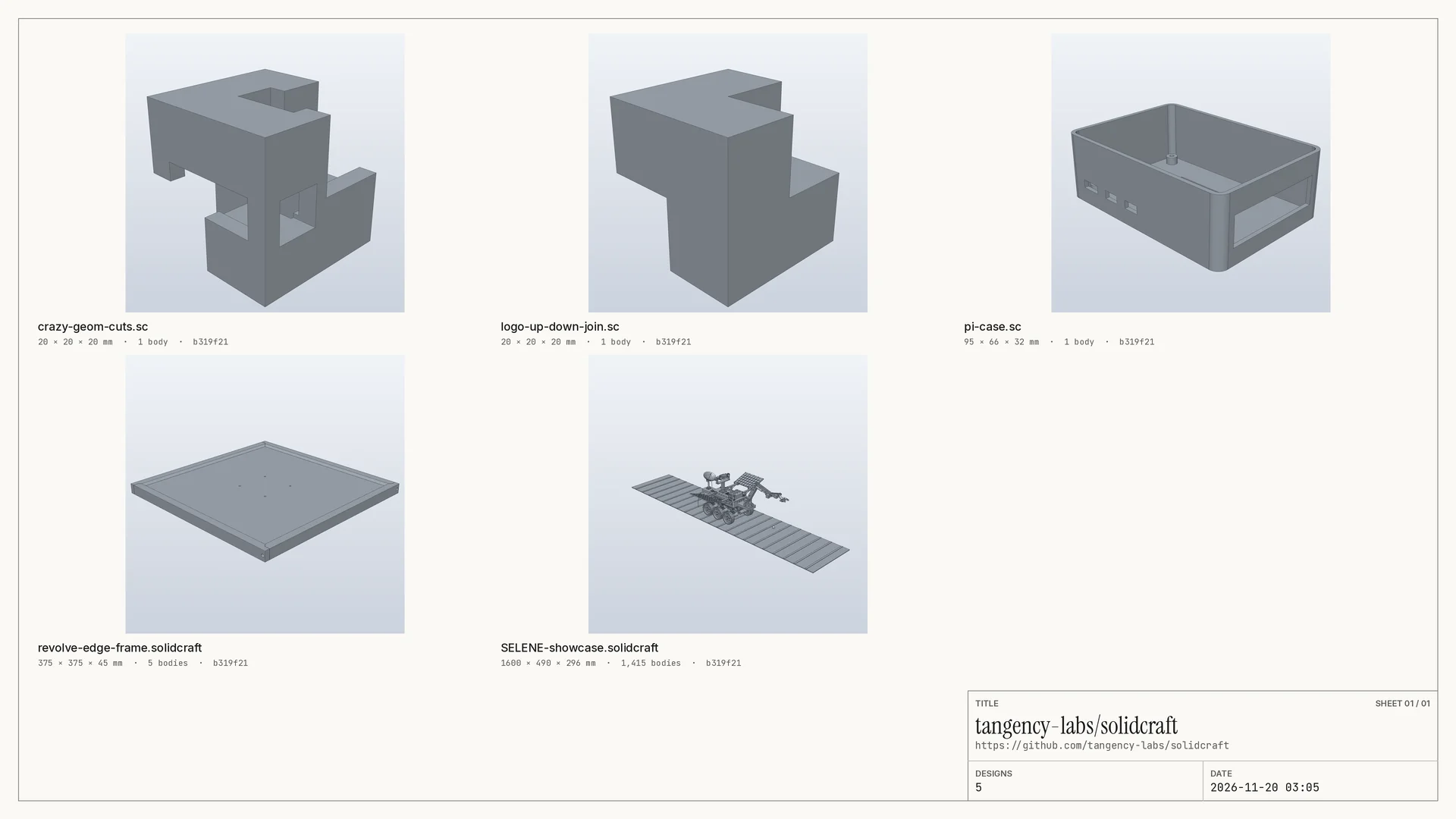
The drawing sheet
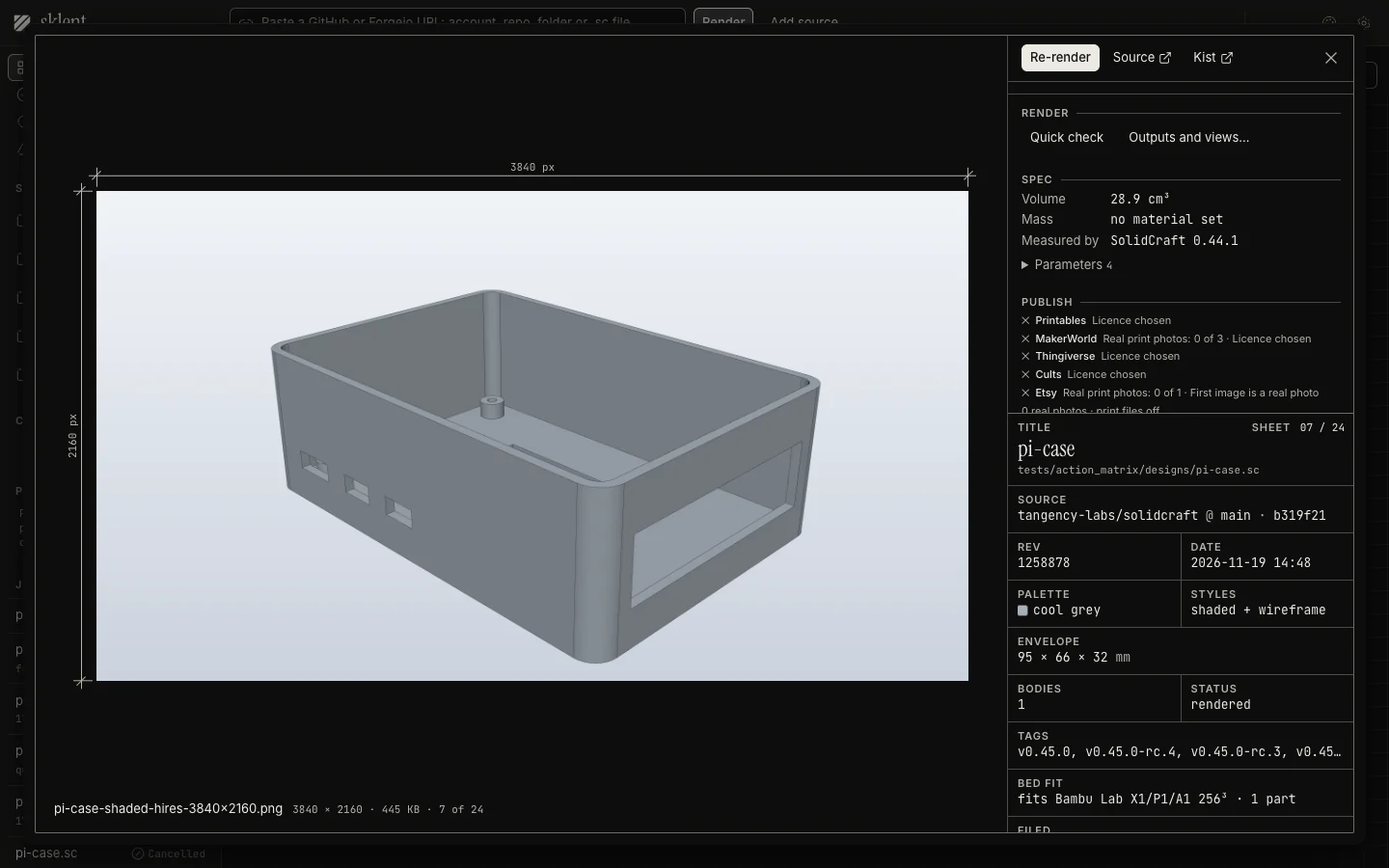
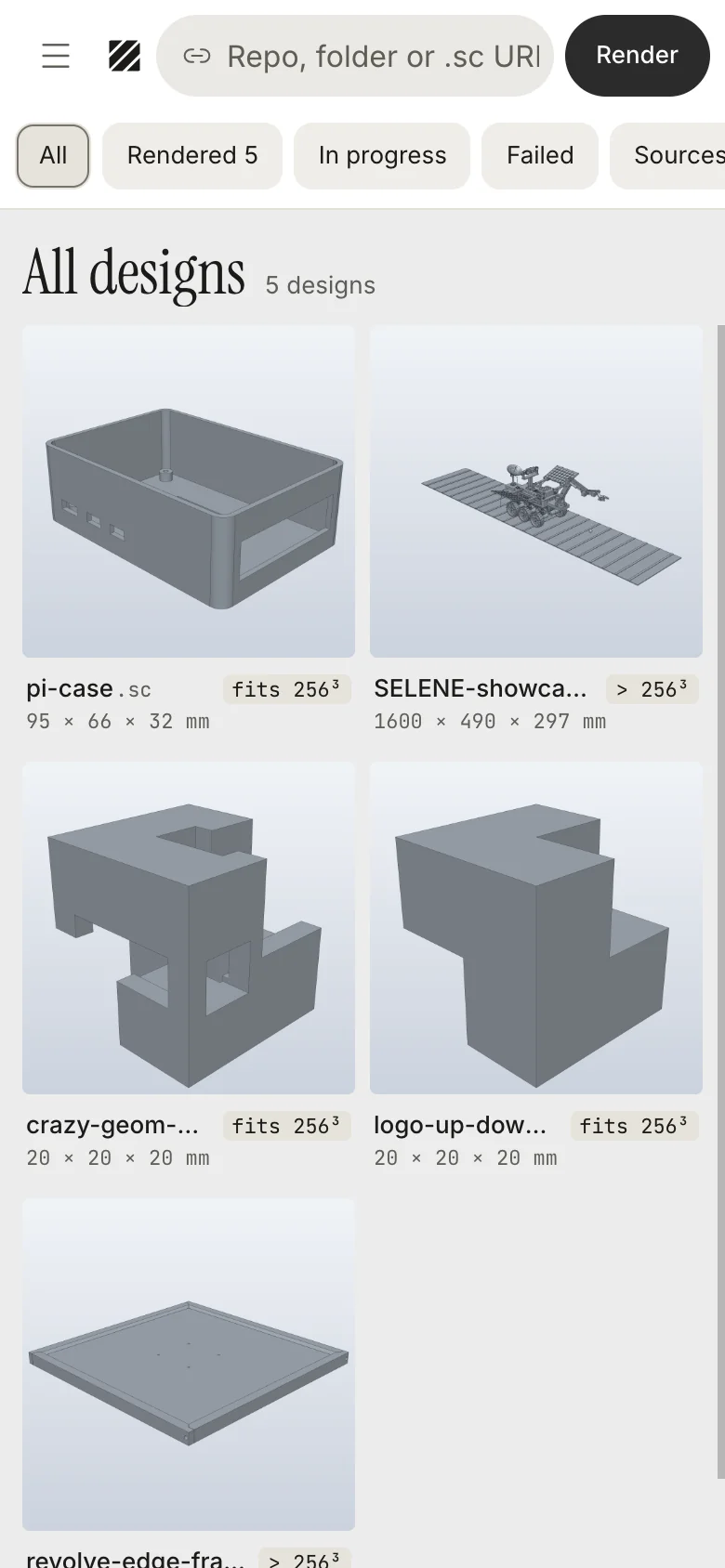
Click a tile and the design opens as a drawing sheet: the file at its true pixel size between dimension lines, a numbered schedule of every file, and a title block with the source, commit, revision, palette and envelope. The same window holds revisions, specs and the publish pages.
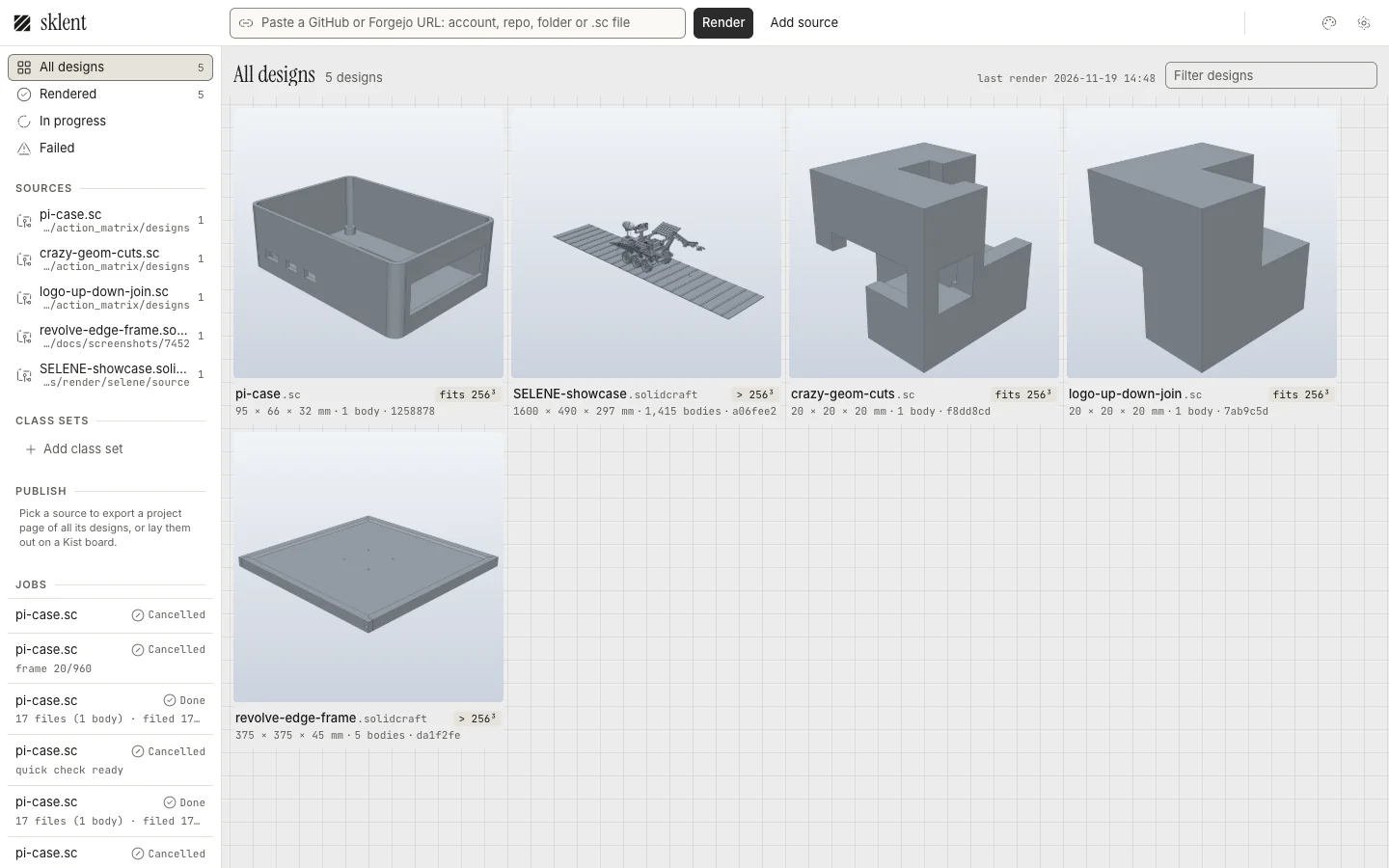
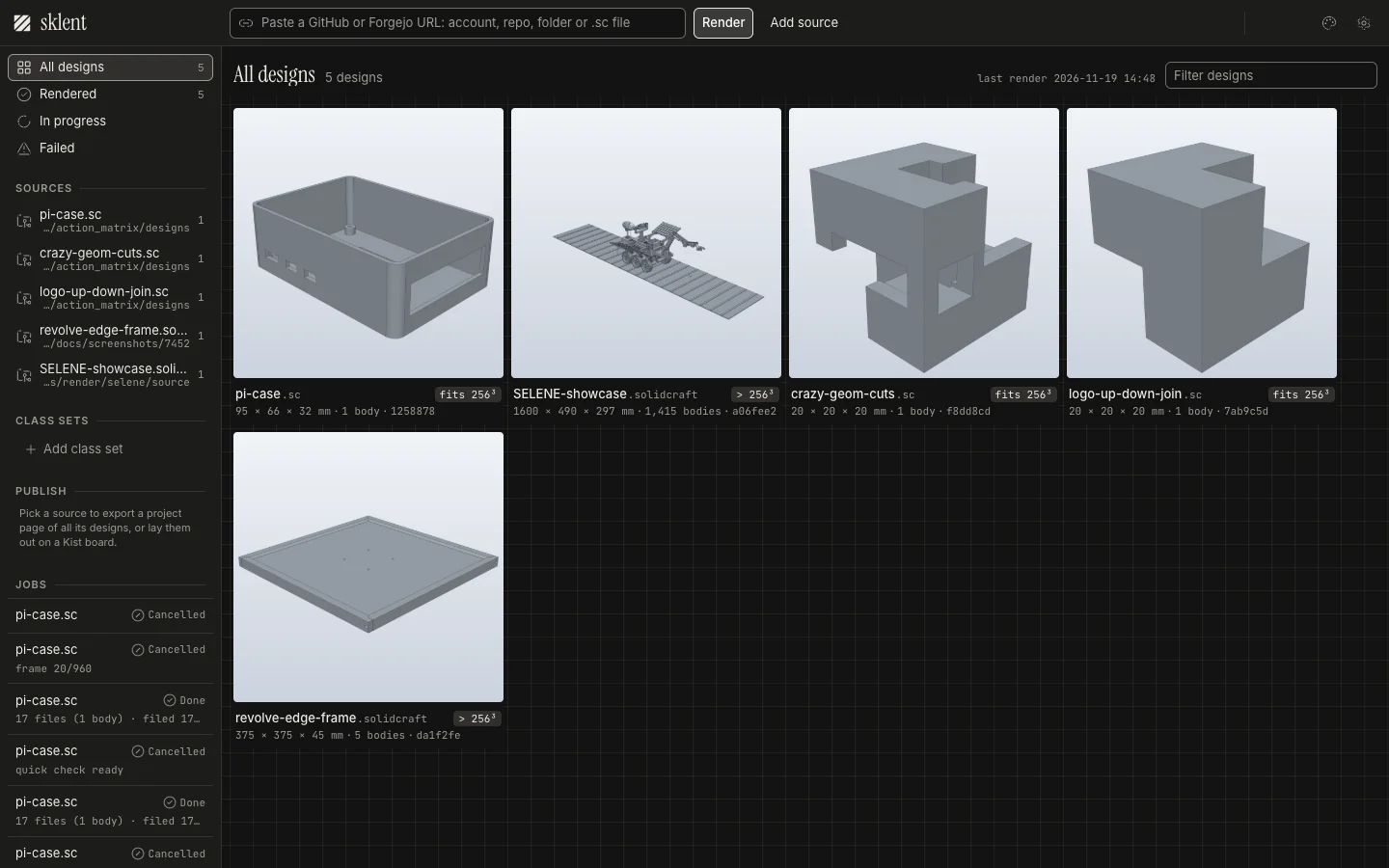
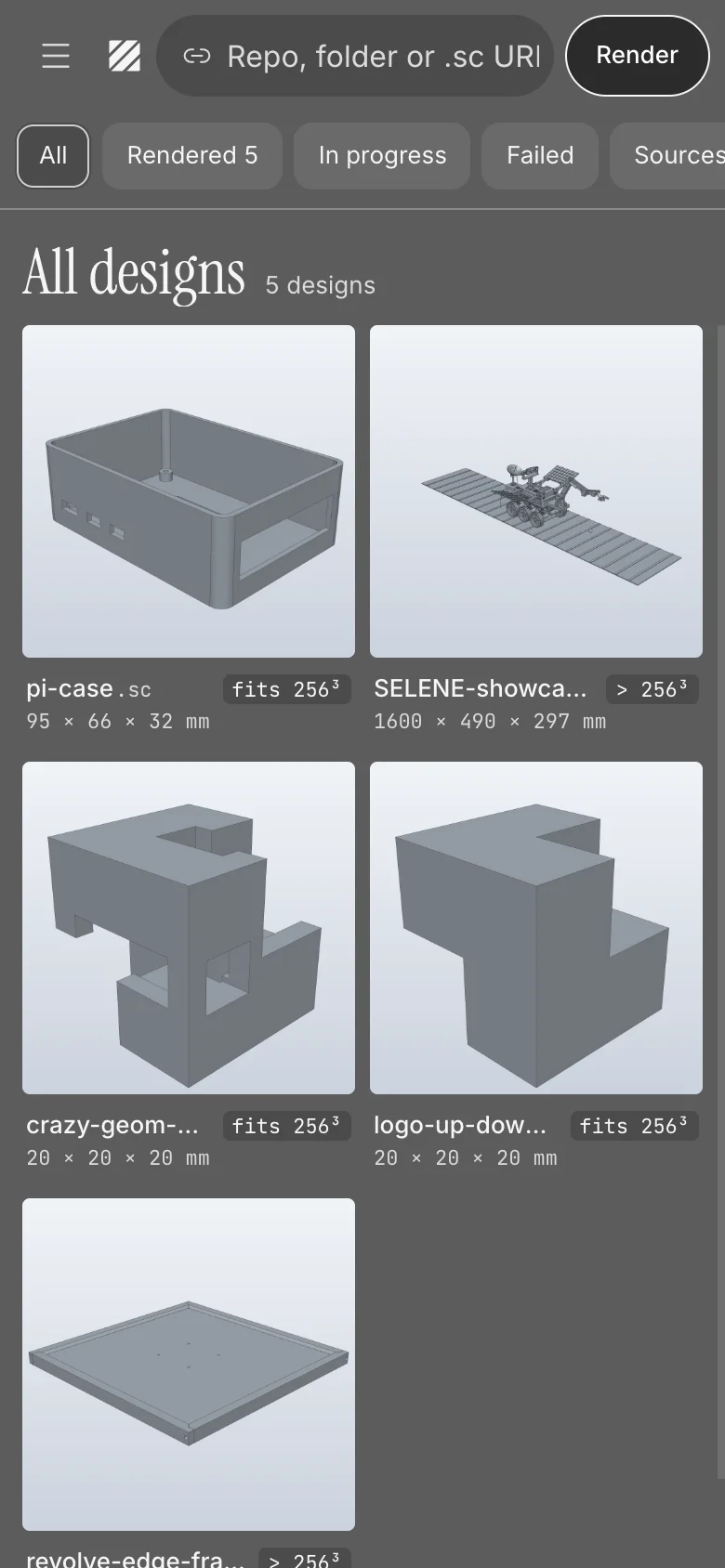
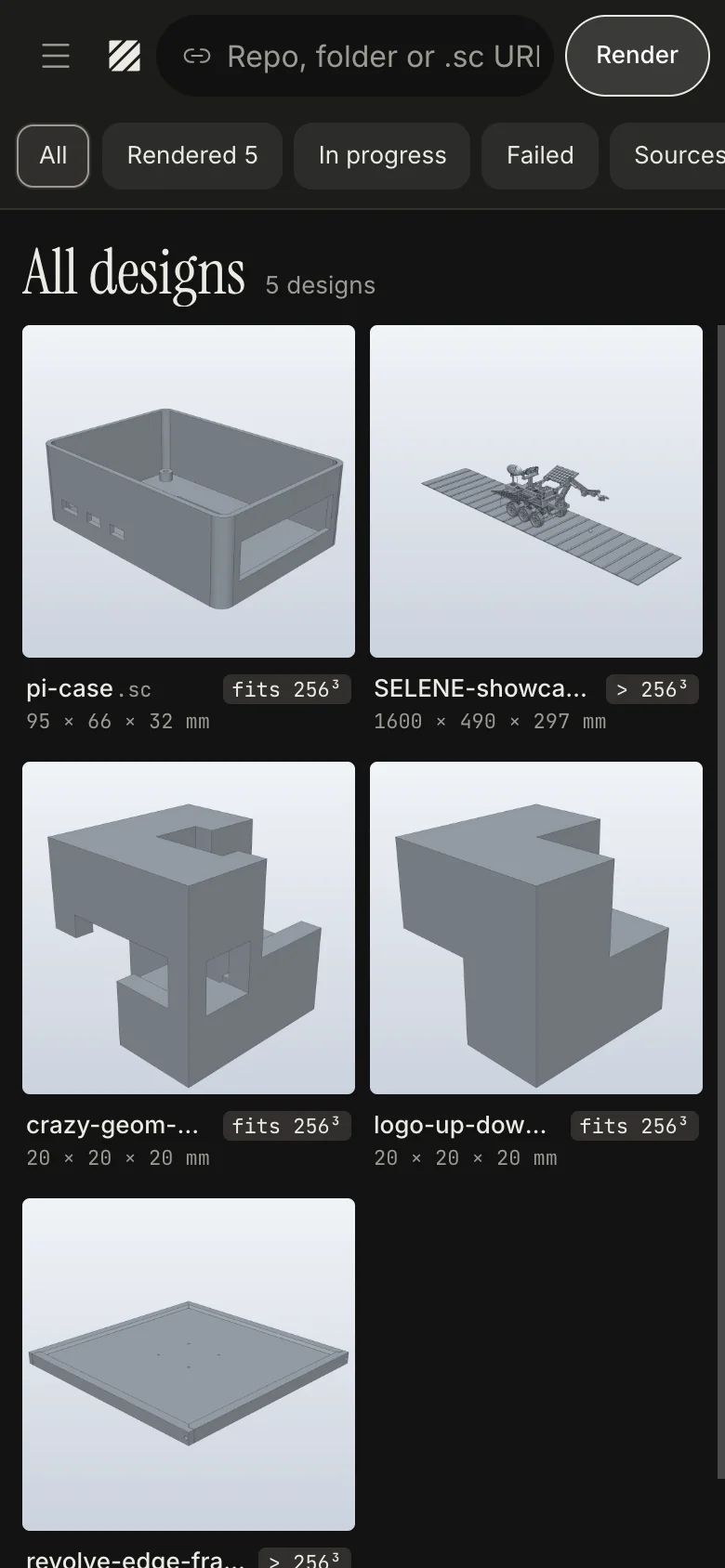
It works on a phone too: the menu opens filters, sources and jobs.
A sibling of Kist
Sklent shares its design system with Kist, so the two apps look like one suite. You don't need Kist to use Sklent. If you run it, Sklent files every render set into a folder there, tagged by repo, design, style, format and commit, with each new version stacked on the last. Without it, Sklent keeps the sets on its own disk and does everything else the same. More in Working with Kist.